

How Secure Is a VPN? 6 Features That Protect Your Privacy
Zafruddin Shaik
Cybersecurity
Published on
6 min read
A VPN can help protect your online privacy, especially when you browse on public Wi-Fi, work remotely or connect to the internet while travelling. However, not every VPN offers the same level of protection. Its security depends on factors such as encryption, connection protocols, leak protection and the provider’s data-handling practices. Understanding these features helps you make a more informed choice and recognise what a VPN can and cannot protect. In this guide, we explain the key features that contribute to a more secure VPN connection and how they help protect your information online.
What Makes a VPN Secure?
A secure VPN creates an encrypted tunnel between your device and a VPN server. This helps prevent people on the same local network from easily reading the data travelling through that connection. It can also hide your usual public IP address from websites by routing your traffic through the VPN server. However, a VPN does not make you completely anonymous or protect against every online threat. Your security also depends on the VPN application, the provider’s privacy practices, your device settings and the websites you visit.
Key Features That Protect Your Online Privacy
1. Strong Encryption
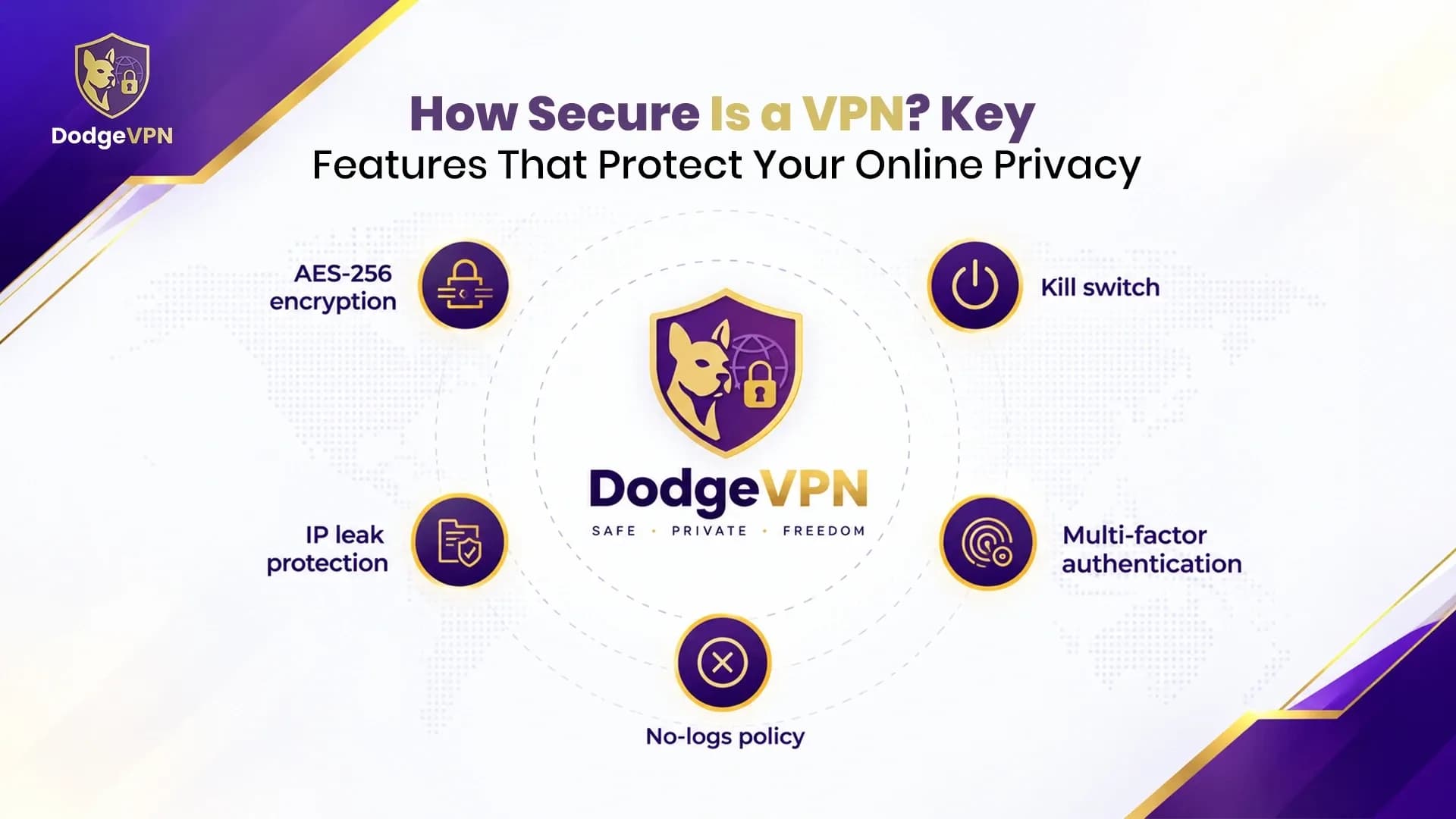
Encryption is one of the most important parts of VPN security. It transforms readable information into data that cannot be easily understood without the appropriate cryptographic keys. Modern VPN implementations use established encryption methods to protect information travelling between your device and the VPN server. This can be particularly useful when connecting through public Wi-Fi in cafés, airports, hotels or other shared spaces. When evaluating a VPN, look for modern protocols and clearly documented security practices rather than relying on broad marketing claims. Remember that encryption within a VPN tunnel does not automatically secure every connection beyond the VPN server.
2. Secure VPN Protocols
A VPN protocol determines how your device establishes and maintains its connection with a VPN server. Different protocols offer different combinations of performance, compatibility and connection flexibility. WireGuard is known for its lightweight design and modern cryptography, while OpenVPN offers flexibility through UDP and TCP transport options. IKEv2/IPsec can be useful for mobile devices that frequently switch between Wi-Fi and cellular networks. A reliable provider should explain which protocols are available and help users select appropriate settings for their devices and network conditions.
3. A Clear No-Logs Policy
A VPN provider’s logging policy is essential when assessing privacy. Although a VPN can reduce what your internet service provider sees about your connection, the VPN provider becomes another party you must trust. Depending on its infrastructure and configuration, a provider may be able to access certain connection details. A clearly written no-logs policy should explain what information is collected, what is retained and why. Independent audits or other credible evidence can help support privacy claims. Do not assume that a provider collects no information simply because it advertises a no-logs service.
4. Kill Switch Protection
A kill switch is a useful security feature that can block internet traffic if the VPN connection unexpectedly disconnects. Without this protection, your device may reconnect through its ordinary internet connection, potentially exposing your public IP address or traffic outside the VPN tunnel. A properly implemented kill switch can reduce this risk while the VPN connection is unavailable. Check whether the feature is supported on your operating system and whether it is enabled in the application settings. Its behaviour can vary between providers and devices, so it should not be treated as an absolute guarantee against exposure.
5. DNS and IP Leak Protection
A VPN should route relevant traffic through the protected connection, but configuration problems can sometimes expose information. A DNS leak occurs when domain lookup requests travel through a DNS resolver outside the intended VPN route. An IP leak can expose your usual public IP address instead of the VPN server’s address. Choose a VPN with appropriate leak-prevention features and check its configuration after connecting. Testing for DNS and IP leaks can help identify potential problems. IPv6 and browser-related behaviour may also affect the results, depending on the VPN application and device.
6. Transparent Privacy and Security Practices
Technical features matter, but transparency is equally important. A trustworthy VPN provider should explain its privacy policy, available protocols, security updates and data-retention practices in clear language. It should also describe the limits of its protection rather than promising complete anonymity or guaranteed security. Before choosing a service, review its official documentation and check whether its privacy claims have supporting evidence. Regular application updates are important because they can address vulnerabilities and improve connection reliability. Strong security comes from the combination of sound technology, responsible data handling and ongoing maintenance.
What Can a VPN Protect You From?
A properly configured VPN can help reduce the exposure of your traffic on untrusted networks, conceal your usual public IP address from destination websites and limit some of the information visible to your local network operator. These benefits can be valuable when travelling, working remotely or using shared Wi-Fi.
However, a VPN does not replace antivirus software, secure passwords, multi-factor authentication or careful browsing. It cannot guarantee protection from phishing, malware, compromised accounts or every form of online tracking. Websites may still identify you through account logins, cookies and other information you provide. Using a VPN alongside other sensible security practices offers a more balanced approach to online privacy.
How to Choose a Secure VPN
Before selecting a VPN, compare its encryption and protocol options, privacy policy, leak-prevention features and kill switch functionality. Check that its application supports your devices and receives regular updates. Look for clear explanations of data collection and credible evidence supporting important security claims. Avoid choosing a service based on speed or price alone, because these factors do not establish how responsibly it handles your information. A well-documented provider with suitable security features and transparent privacy practices is a more informed choice than one that relies on unsupported promises.
Final Thoughts
A VPN can be a valuable layer of online privacy, but its effectiveness depends on more than simply connecting to a server. Strong encryption, secure protocols, a transparent no-logs policy, kill switch functionality and leak protection all contribute to a more secure setup. Before choosing a service, understand its features and limitations, keep your software updated and continue practising good online security habits. A VPN works best as part of a broader approach to protecting your personal information.
FAQs
1. How secure is a VPN for everyday browsing?
A reputable, properly configured VPN can encrypt traffic between your device and the VPN server and help hide your usual public IP address from websites. It does not protect against every online threat.
2. Can a VPN protect my data on public Wi-Fi?
A VPN can help protect traffic travelling through its encrypted tunnel when you use public Wi-Fi. You should still use HTTPS websites, avoid suspicious links and keep your device updated.
3. What is the most important VPN security feature?
There is no single feature that guarantees security. Strong encryption, secure protocols, leak protection, a kill switch and transparent data-handling practices work together to support privacy.
4. Does a no-logs VPN guarantee complete privacy?
No. A no-logs policy describes the provider’s data-handling practices, but it does not prevent website tracking, phishing, malware or identification through accounts and cookies.
5. Can a VPN prevent hackers from accessing my device?
A VPN can reduce certain network-related risks, but it cannot guarantee that your device is safe from hackers. Keep your software updated, use strong passwords and enable multi-factor authentication where possible.