

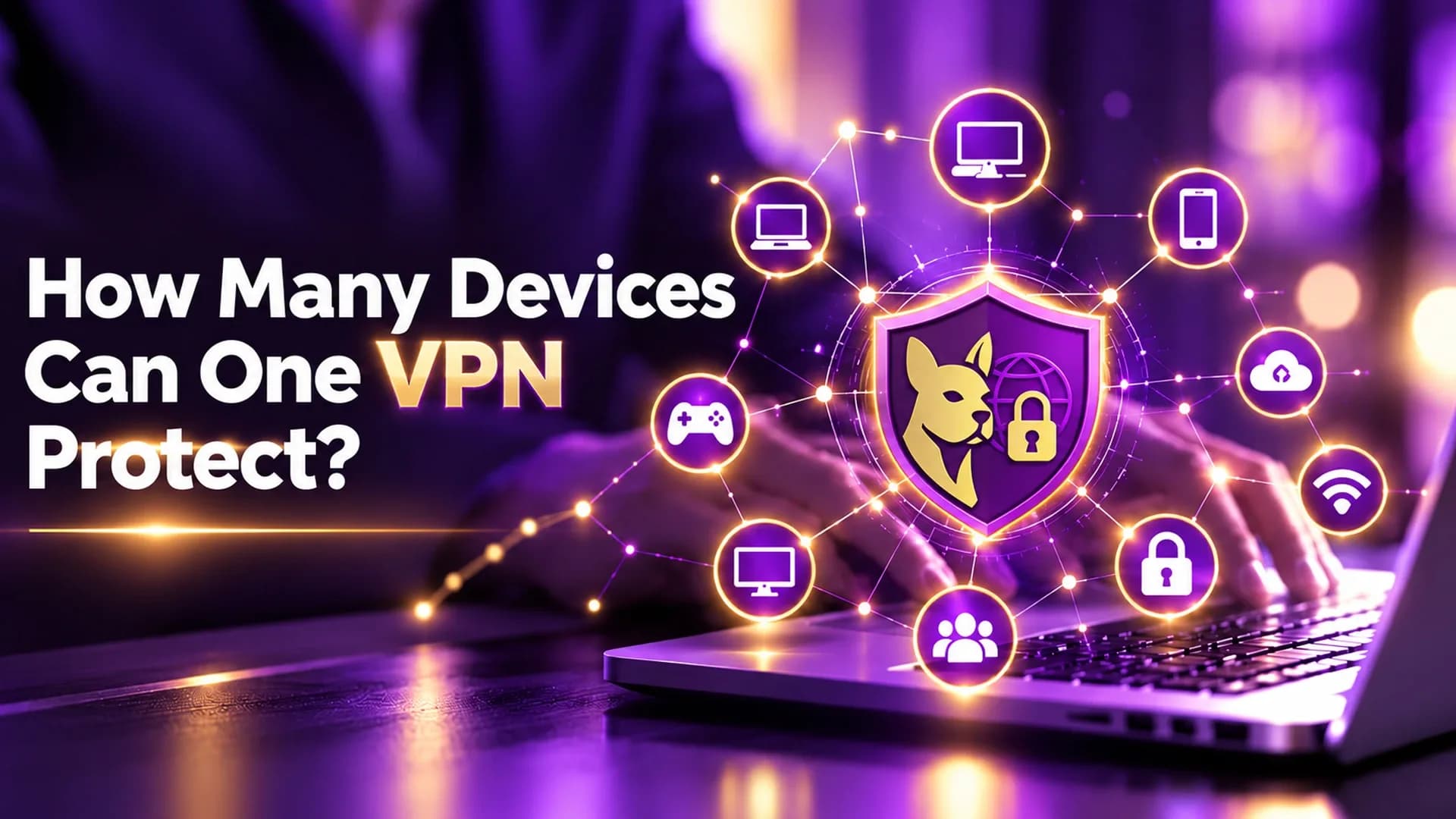
How Many Devices Can One VPN Protect? A Complete Guide
Zafruddin Shaik
Cybersecurity
Published on
6 min read
A Virtual Private Network (VPN) helps protect your internet connection by encrypting data between your device and a VPN server. Whether you browse on a smartphone, work on a laptop, or stream content on a smart TV, using a VPN can add an extra layer of privacy to your online activities. But how many devices can one VPN protect at the same time? The answer depends on your VPN provider, subscription plan, and permitted simultaneous connections. Some VPN services support several devices under one account, while others offer unlimited connections subject to their terms. Understanding these limits can help you choose the right plan for your personal needs, family, or work setup without paying for unnecessary subscriptions.
How Many Devices Can Connect to One VPN?
There is no fixed number of devices that every VPN can protect. Each provider sets its own simultaneous connection limit, which may vary depending on the subscription plan. For example, a VPN plan might allow five, ten, or more devices to connect at the same time. Other plans may support unlimited simultaneous connections, although fair-use policies and technical restrictions can still apply.
It is also important to understand the difference between installing a VPN app on multiple devices and connecting those devices simultaneously. You may be able to install the app on many devices but have a limit on how many can use the VPN at once. Before choosing a plan, check its connection limit, supported operating systems, and account-sharing rules.
What Types of Devices Can a VPN Protect?
A VPN can protect different types of internet-connected devices, provided they support the VPN service directly or connect through a compatible VPN-enabled router.
Smartphones and Tablets
Smartphones and tablets are commonly used for browsing, messaging, shopping, and online banking. Connecting these devices to a VPN can help protect internet traffic from certain network-based risks, particularly when using untrusted public Wi-Fi.
Laptops and Desktop Computers
A VPN can encrypt supported network traffic from a laptop or desktop while you work remotely, browse websites, or access online services. This can be useful when connecting through public networks or travelling.
Smart TVs and Streaming Devices
Some smart TVs and streaming devices support VPN applications, while others require a compatible router or another supported setup. Check device compatibility before subscribing if streaming devices are an important part of your setup.
Gaming Devices
Gaming consoles do not all support VPN apps directly. In some cases, a compatible router can route console traffic through a VPN connection. However, a VPN does not guarantee lower latency, faster gameplay, or access to every online gaming service.
Why Do You Need a VPN for Multiple Devices?
Using a VPN across your devices can make managing your online privacy more convenient.
1. Maintain Privacy Across Your Devices
You might use your phone for everyday browsing, your laptop for work, and a tablet for entertainment. A VPN subscription with sufficient simultaneous connections can help you maintain a consistent privacy setup across supported devices.
2. Protect Your Household's Internet Activities
Families often have several connected devices, including smartphones, computers, and smart TVs. A suitable VPN plan may allow multiple household devices to connect under one subscription, depending on the provider's sharing rules.
3. Support Remote Work and Travel
People who work remotely or travel frequently may switch between different networks and devices. A VPN can help protect internet traffic on supported devices when connecting through unfamiliar networks. You should still use strong passwords, multifactor authentication, and up-to-date software.
4. Simplify Device Management
Managing one suitable subscription can be easier than maintaining separate VPN accounts for every device. However, make sure the provider allows your intended usage and offers enough simultaneous connections for your needs.
What Happens When You Reach Your VPN Device Limit?
If your subscription has a connection limit and you attempt to connect another device after reaching it, the VPN may prevent the new connection or ask you to disconnect an existing device. The exact behaviour depends on the provider.
Here are some ways to resolve the issue:
- Disconnect an unused device: Free up a connection by disconnecting a device you no longer need.
- Review active sessions: Check your account dashboard or app for devices that remain connected.
- Check your router setup: Confirm how your provider counts router-based VPN connections.
- Review your subscription: Consider a plan with a higher limit if you regularly use more devices than your current plan allows.
- Contact customer support: Ask for help if your account appears to have reached its limit despite having fewer active devices.
Closing the VPN app may not always end a session immediately. Follow the provider's instructions if the connection count does not update.
How to Choose the Best VPN for Multiple Devices
The number of simultaneous connections is important, but it should not be the only factor when comparing VPN subscriptions.
Check the Simultaneous Connection Limit
Count the devices you expect to use regularly and choose a plan that can accommodate them. Consider whether you may add more devices in the future.
Confirm Device Compatibility
Check whether the VPN supports your operating systems and preferred devices. If you plan to use a smart TV or gaming console, verify whether direct installation or router configuration is required.
Compare Security and Privacy Features
Look for strong encryption, secure VPN protocols, DNS leak protection, and a clear privacy policy. Understand what data the provider collects and whether it undergoes independent security assessments.
Consider Speed and Reliability
VPN performance can vary depending on server distance, network congestion, your internet connection, and the VPN protocol. Choose a service that offers reliable performance for your usual activities.
Understand Subscription Costs
Compare the total cost, renewal price, subscription duration, and upgrade options. A plan with more connections may not be the best value if you only need to protect a few devices.
Final Thoughts
One VPN subscription can protect multiple devices, but the number you can connect simultaneously depends on your provider and plan. Smartphones, computers, tablets, and some entertainment devices can use a VPN when they are supported and configured correctly.
Before subscribing, check the connection limit, device compatibility, security features, and account-sharing terms. The right VPN is not necessarily the one that supports the most devices. It is the one that offers enough connections, dependable performance, and transparent privacy practices for your needs.
FAQs
1. Can One VPN Subscription Protect Multiple Devices?
Yes. Many VPN subscriptions allow multiple devices to connect simultaneously under one account. The exact limit depends on the provider and subscription plan.
2. Can I Use the Same VPN on My Phone and Laptop?
Yes, provided your VPN supports both devices and your subscription allows at least two simultaneous connections.
3. Does Installing a VPN on Multiple Devices Protect Them Automatically?
No. Installing a VPN app does not necessarily activate the connection. Each device generally needs to connect to the VPN, unless its internet traffic is routed through a properly configured VPN-enabled router.
4. Can a VPN Router Protect Several Devices at Once?
Yes. A compatible router can route traffic from connected devices through a VPN connection. However, configuration requirements, connection limits, and performance depend on the router and VPN provider.
5. Is an Unlimited-Device VPN Always the Best Choice?
Not necessarily. An unlimited connection limit can be useful for households with many devices, but security, privacy, compatibility, reliability, and subscription costs are also important when choosing a VPN.