

How Does a VPN Keep Your Online Data Safe?
Zafruddin Shaik
Cybersecurity
Published on
6 min read
Every time you browse a website, send a message, shop online or use a public Wi-Fi network, your device exchanges information over the internet. Some of this information may be sensitive, including login details, personal messages and browsing activity. Without suitable security measures, your online data may be exposed to certain network risks. A Virtual Private Network (VPN) helps protect your internet connection by encrypting traffic between your device and a VPN server. It also hides your original public IP address from the websites and online services you visit. Understanding how these features work can help you make better decisions about your online privacy and security.
What Is a VPN and How Does It Work?
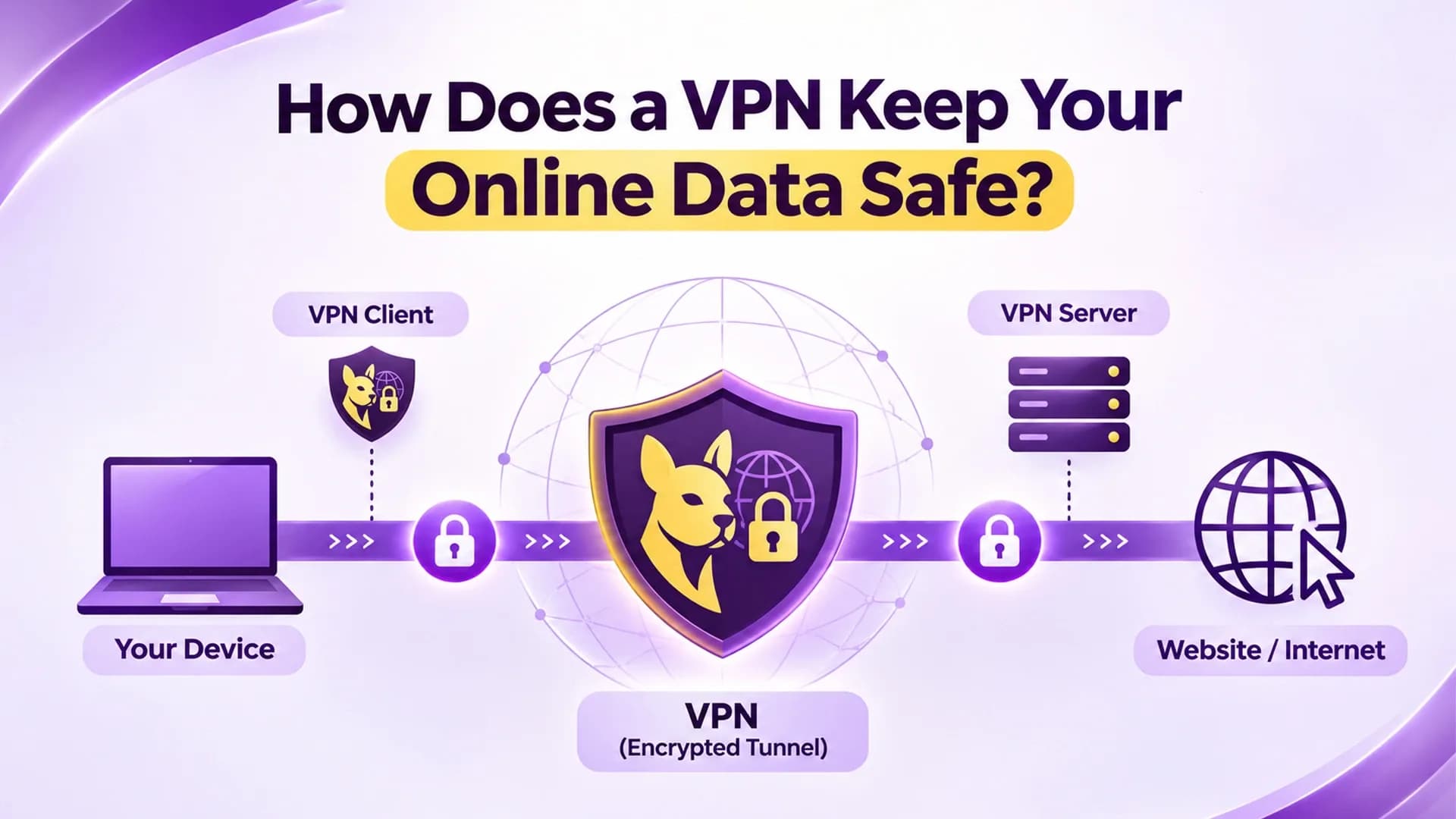
A VPN, or Virtual Private Network, creates an encrypted connection between your device and a remote VPN server. Instead of sending your internet traffic directly through your usual network connection, your device first connects to the VPN server. Once connected, your internet traffic travels through this encrypted tunnel. The VPN server then forwards your requests to their intended destinations. Websites generally see the VPN server's IP address rather than your original public IP address. This process provides two important benefits: encryption helps protect data while it travels across the connection, and IP address masking helps limit the exposure of your original public IP address to websites.
How Does a VPN Keep Your Online Data Safe?
A VPN uses several security and privacy features to help protect internet traffic. Here are the main ways it supports safer browsing.
1. Encrypts Your Internet Traffic
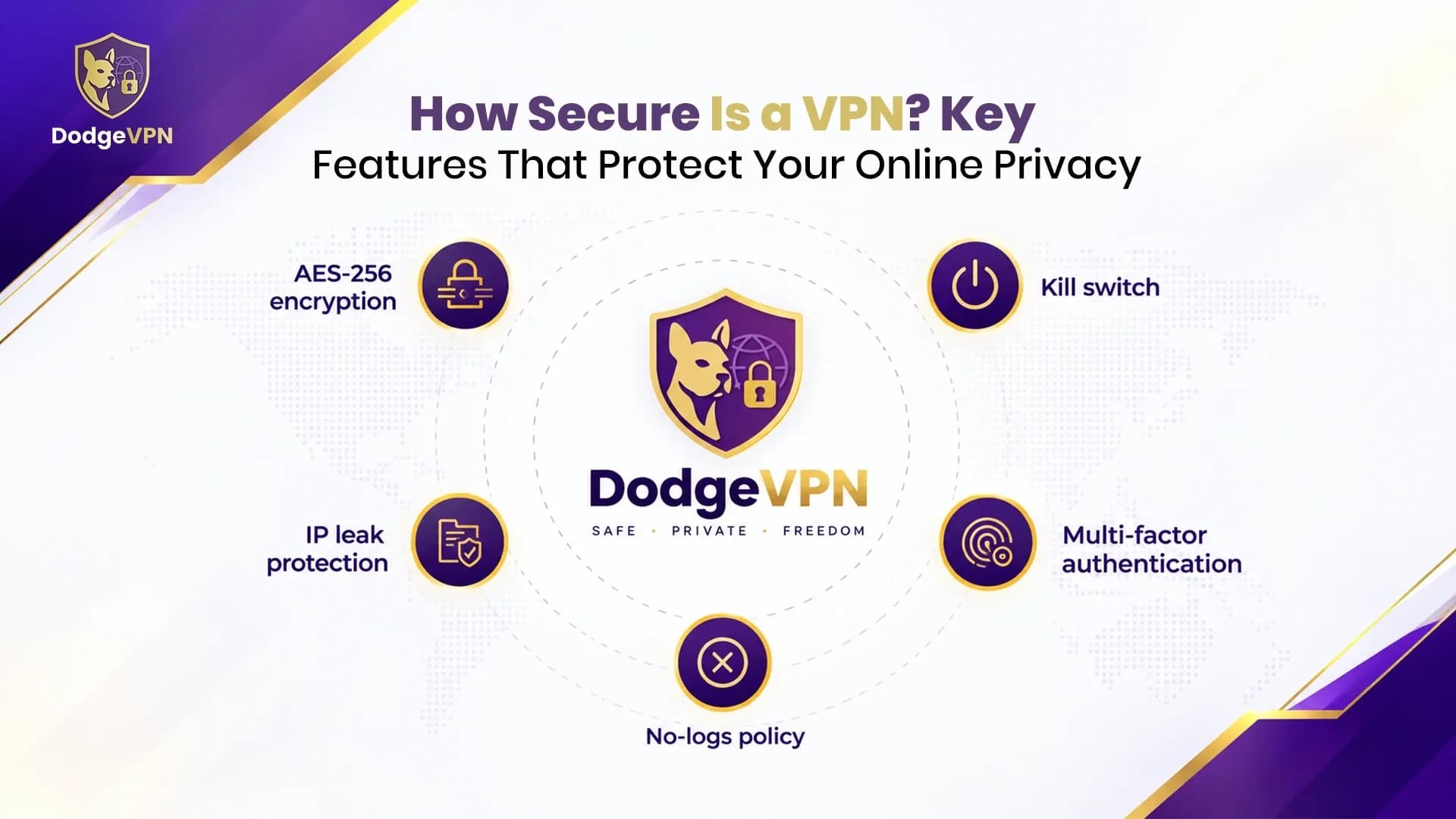
Encryption is one of the most important VPN security features. It converts readable information into a coded format that cannot easily be understood without the appropriate decryption key. When you connect to a VPN, traffic travelling between your device and the VPN server is encrypted. This can make it harder for someone monitoring the same network to read the contents of that traffic.
For example, when using public Wi-Fi, encryption can help protect your connection from certain forms of network monitoring. However, it does not automatically protect information after it reaches its destination.
2. Hides Your Original IP Address
Your public IP address can reveal information about your approximate location and internet service provider. Websites and online services can also use it as one of several signals to recognise or track visitors. A VPN routes your traffic through its server, so the destination website generally sees the VPN server's IP address instead of your original one. This helps reduce direct exposure of your public IP address while browsing. However, IP masking does not make you completely anonymous. Websites may still recognise you through cookies, account logins and browser fingerprinting.
3. Helps Protect Data on Public Wi-Fi
Public Wi-Fi is commonly available in cafes, airports, hotels and other shared spaces. Although convenient, unsecured or poorly configured networks can create opportunities for attackers to monitor traffic or attempt other network-based attacks. A VPN adds an encrypted connection between your device and the VPN server. This helps protect the data travelling across that part of the connection, making it more difficult for others on the same network to read it. It is still important to use secure websites, avoid suspicious links and keep your device software updated.
4. Uses Secure VPN Protocols
VPN protocols determine how your device establishes and maintains its connection to the VPN server. Different protocols offer different combinations of security, speed and compatibility.
Common VPN protocols include:
- WireGuard: A modern, lightweight protocol designed for efficient connections and strong security.
- OpenVPN: A widely used open-source protocol that supports UDP and TCP connection options.
- IKEv2/IPsec: A protocol combination often used on mobile devices because it can handle changes between networks effectively.
Choosing a reputable VPN that supports well-established protocols can help provide a more secure connection.
5. Helps Reduce Exposure to Certain Tracking Methods
A VPN can limit the visibility of your original IP address to websites and online services. This may reduce one way your internet connection can be used to identify or distinguish your browsing activity. However, a VPN does not block every tracking method. Cookies, advertising identifiers, browser fingerprinting and logged-in accounts can still be used to recognise users. For stronger privacy, consider combining a VPN with browser privacy settings, tracker-blocking tools and careful account management.
6. Can Help Prevent Accidental Data Exposure with a Kill Switch
Some VPN applications include a feature called a kill switch. It is designed to block internet access if the VPN connection unexpectedly drops. Without this feature, your device may continue accessing the internet through its regular connection, potentially exposing your original IP address or unprotected traffic. A kill switch can help reduce this risk by stopping traffic until the VPN connection is restored. Its availability and behaviour depend on the VPN provider and application settings.
When Should You Use a VPN?
A VPN can be useful in several everyday situations:
- Using public Wi-Fi: Add encryption to your connection when browsing on shared networks.
- Working remotely: Help protect traffic between your device and a VPN server while accessing online work services.
- Travelling: Use a VPN when connecting through unfamiliar networks in hotels, airports or other public places.
- Everyday browsing: Reduce the exposure of your original public IP address to websites.
- Protecting network traffic: Add an extra layer of security when sending information over the internet.
A VPN is a useful security tool, but it should be part of a broader approach to online safety.
What a VPN Cannot Protect You From
Although a VPN improves connection privacy, it does not protect against every online threat. It cannot guarantee protection from phishing emails, malicious downloads, malware, weak passwords or data breaches involving websites and services. It also cannot prevent every form of online tracking or make all internet activity anonymous. Your VPN provider may still collect certain account, payment or technical information, depending on its privacy policy. For better protection, use strong and unique passwords, enable multi-factor authentication, update your devices and avoid downloading files from untrusted sources.
Final Thoughts
A VPN helps keep your online data safer by encrypting traffic between your device and a VPN server, masking your original IP address and adding protection when using shared networks. Features such as secure protocols and a kill switch can provide additional safeguards. However, no VPN can guarantee complete online security or anonymity. Choose a provider with transparent privacy practices and use it alongside good digital security habits to build a stronger approach to protecting your personal information.
FAQs
1. Does a VPN protect all my online data?
A VPN encrypts traffic between your device and the VPN server. It does not automatically protect data stored on websites, prevent malware or secure every application on your device.
2. Can a VPN protect my data on public Wi-Fi?
Yes. A VPN encrypts traffic between your device and its server, helping protect that connection when you use public Wi-Fi. You should still avoid suspicious websites and links.
3. Does a VPN hide my IP address?
A VPN generally replaces the public IP address visible to destination websites with the VPN server's IP address. However, it does not prevent all forms of online tracking.
4. Is VPN encryption enough to stay safe online?
No. Encryption is important, but it does not protect against every threat. Strong passwords, multi-factor authentication, updated software and safe browsing habits are also necessary.
5. What is a VPN kill switch?
A VPN kill switch is a feature that can block internet traffic if the VPN connection unexpectedly disconnects. It helps reduce the risk of exposing your regular IP address or sending traffic outside the VPN tunnel.