

VPN Security Risks: What Every User Should Know
Zafruddin Shaik
VPN
Published on
5 min read
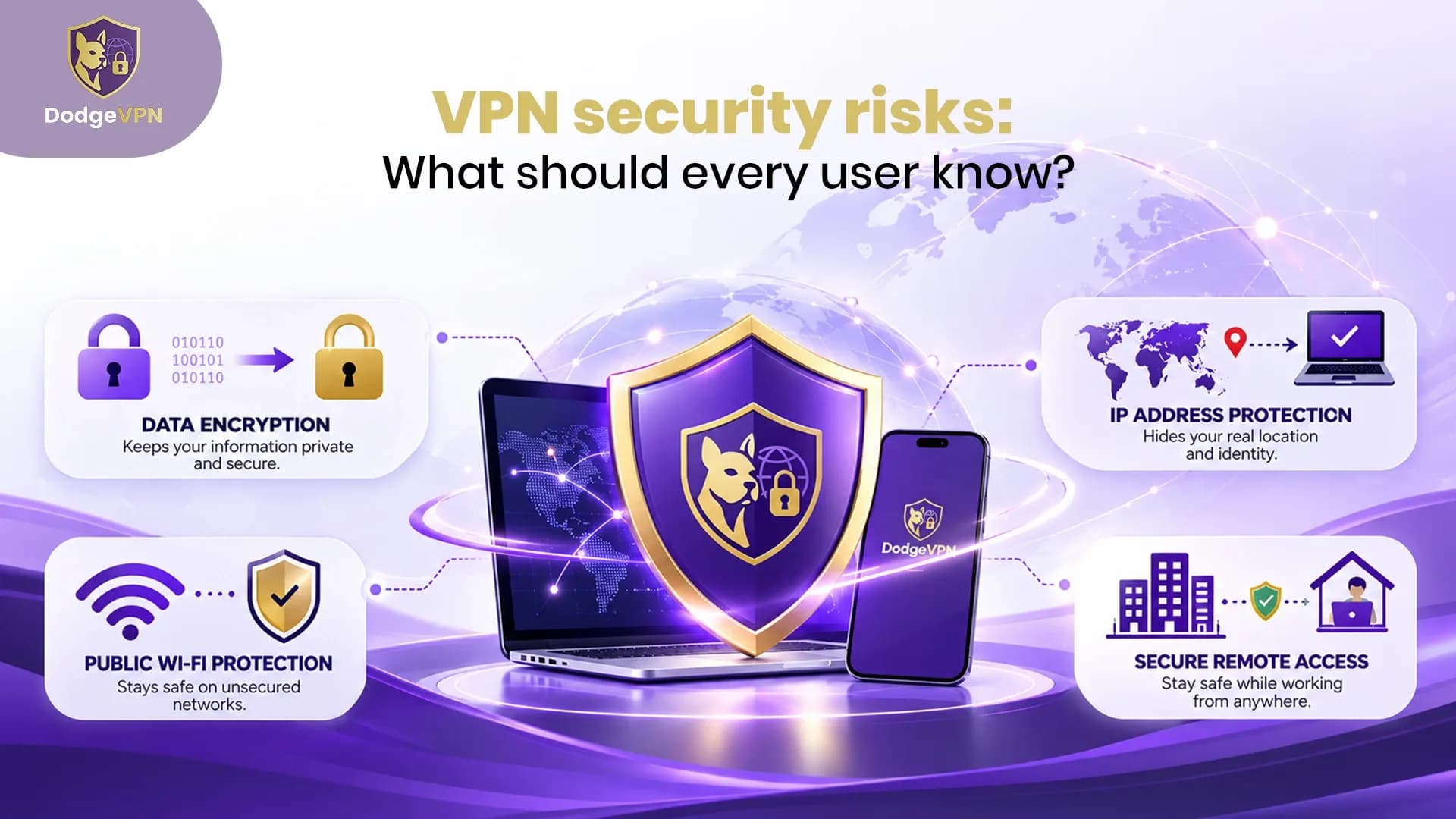
A Virtual Private Network (VPN) can help protect your internet traffic by creating an encrypted connection between your device and a VPN server. It can improve privacy when browsing on public Wi-Fi and help hide your IP address from websites. However, using a VPN does not eliminate every online security threat. Understanding VPN security risks is important before choosing a service or relying on it for everyday browsing. Issues such as data leaks, weak security settings, questionable privacy policies, and outdated software can affect how well a VPN protects you. The good news is that informed choices and a few practical habits can help reduce these risks.
What Are the Common VPN Security Risks?
1. Data Leaks That Expose Your IP Address
A VPN is designed to route supported traffic through an encrypted tunnel. However, configuration problems or connection interruptions may allow some traffic to bypass that tunnel. This can expose your real IP address or DNS requests. These incidents are commonly called VPN data leaks. They may occur because of DNS settings, incorrect routing, or a VPN connection that disconnects unexpectedly.
How to reduce the risk: Choose a VPN with DNS leak protection and a reliable kill switch. The kill switch can block internet traffic if the VPN connection drops, provided it is enabled and working correctly. You can also use reputable IP and DNS leak-testing tools to check your connection.
2. Privacy Concerns About VPN Providers
When you use a VPN, you place considerable trust in the provider operating its servers. Depending on its infrastructure and privacy practices, a provider may be able to access certain connection information or metadata. Some services may collect connection timestamps, IP addresses, diagnostic information, or other usage data. A privacy policy should explain what is collected, why it is collected, and how long it is retained. The Federal Trade Commission also advises users to research VPN apps before granting them access to internet traffic.
How to reduce the risk: Read the privacy policy carefully and look for clear explanations of data collection, retention, and sharing. Independent security assessments can provide additional evidence about a provider's practices.
3. Security Problems With Free VPNs
Free VPN services can be useful for some basic needs, but their business models and security standards vary. Some may rely on advertising, collect more information than users expect, or offer limited security features. Installing an untrustworthy VPN app can introduce additional risks if it requests unnecessary permissions or handles personal information poorly. However, a free service is not automatically unsafe, just as a paid service is not automatically secure.
How to reduce the risk: Download VPN apps from official websites or trusted app stores. Check the developer's identity, permissions, privacy policy, and independent reviews before installing the app. Avoid services that make unrealistic promises about complete anonymity.
4. Weak Encryption and Outdated Software
A VPN's security depends partly on its protocols, encryption configuration, and software maintenance. Outdated applications or vulnerable VPN servers may create opportunities for attackers to exploit known weaknesses. This is especially important for businesses using remote-access VPNs. Security agencies have warned that vulnerable VPN devices can become entry points for credential theft and unauthorised access to internal networks.
How to reduce the risk: Keep your VPN application and operating system updated. Choose a service that supports modern, well-maintained VPN protocols and uses secure authentication. Businesses should also apply security patches promptly and enable multi-factor authentication where possible.
5. Phishing, Malware, and Account Theft
A VPN does not automatically prevent phishing attacks, malicious downloads, or stolen passwords. You can still visit a fake website, open a harmful attachment, or enter your login details on a fraudulent page while connected to a VPN. Similarly, a VPN does not replace antivirus protection, secure browsing habits, or strong account security.
How to reduce the risk: Verify website addresses before entering sensitive information, avoid suspicious attachments, use unique passwords, and enable multi-factor authentication on important accounts. Keep your device's built-in security features active.
6. False Confidence in Online Privacy
One of the most overlooked VPN privacy risks is assuming that a VPN makes every online activity anonymous. A VPN can hide your original IP address from websites you visit, but it cannot necessarily prevent tracking through cookies, browser fingerprinting, account logins, or information you share directly. Websites may still identify you when you sign in to an account. Your VPN also cannot control every aspect of how third-party services collect or use information.
How to reduce the risk: Review your browser privacy settings, limit unnecessary app permissions, clear cookies when appropriate, and avoid sharing sensitive information with untrusted websites. Treat a VPN as one layer of privacy rather than a complete security solution.
How to Use a VPN Safely
Following a few basic practices can help you get more value from your VPN:
- Choose carefully: Research the provider's reputation, privacy policy, security features, and independent assessments.
- Enable protection features: Use a kill switch and DNS leak protection if available.
- Keep software updated: Install updates for your VPN app and operating system promptly.
- Secure your accounts: Use strong, unique passwords and multi-factor authentication.
- Test your connection: Check for IP or DNS leaks and confirm that the VPN reconnects safely after interruptions.
- Use additional security tools: Maintain device protection and practise safe browsing even when the VPN is active.
These measures can reduce avoidable risks, although no single tool or setting can guarantee complete protection.
Final Thoughts
VPNs can be valuable tools for improving online privacy and protecting supported internet traffic, but they have limitations. Data leaks, questionable provider practices, vulnerable software, phishing, and false confidence can all undermine your security. The best approach is to choose a reputable VPN, keep it updated, check its privacy features, and combine it with strong device and account security. Understanding these VPN security risks helps you make informed decisions and use a VPN more responsibly.
FAQs.
1. Is a VPN safe to use?
A reputable, properly configured VPN can improve privacy and protect supported traffic. However, its safety depends on the provider, software, configuration, and your wider security habits.
2. Can a VPN leak my real IP address?
Yes. Configuration errors, DNS issues, or unexpected connection failures can expose your IP address in some circumstances. Leak protection, a working kill switch, and regular testing can help reduce this risk.
3. Are free VPNs dangerous?
Not all free VPNs are dangerous, but their privacy practices, security features, and business models vary. Research the provider and check its permissions and privacy policy before installing an app.
4. Does a VPN protect me from hackers and malware?
A VPN can help protect supported traffic in transit, but it does not automatically stop malware, phishing, or account theft. Use updated software, strong passwords, and additional device security.
5. How can I check whether my VPN is secure?
Review the provider's privacy policy and security features, keep the app updated, and use reputable tools to check for IP and DNS leaks. Also confirm that the kill switch works as expected and secure your accounts with strong passwords and multi-factor authentication.